


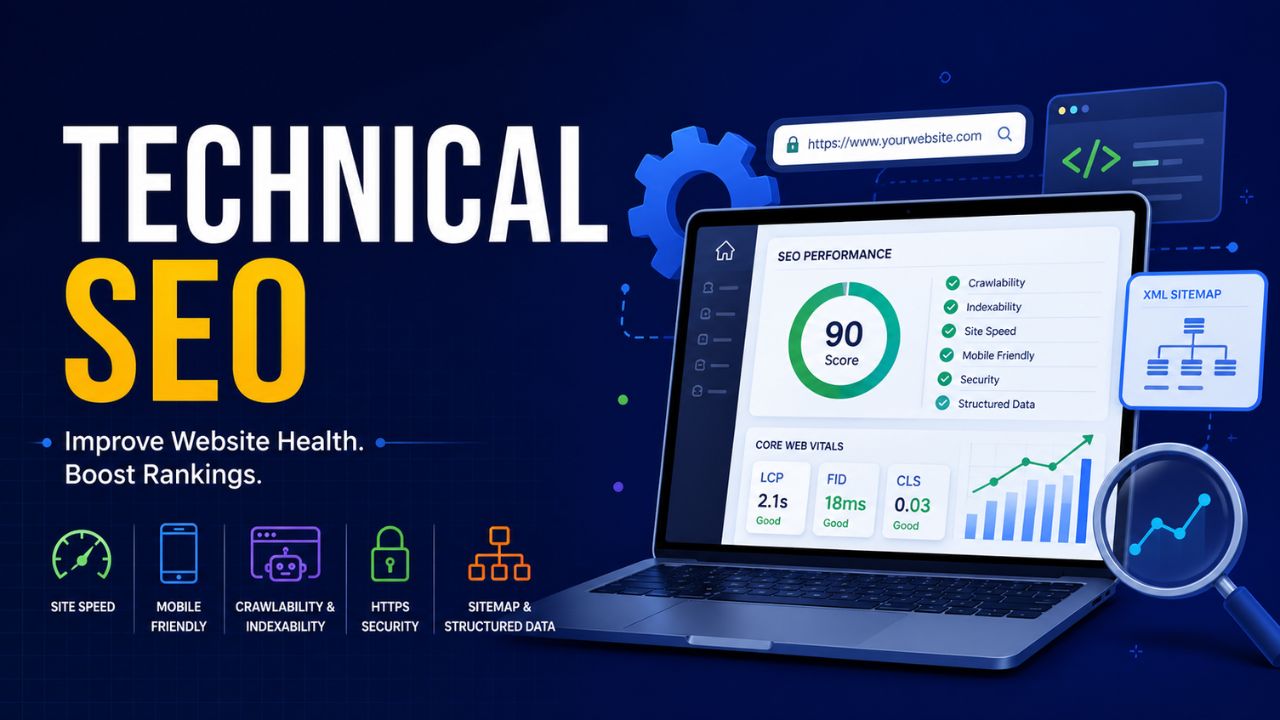
If you’ve ever wondered why some websites dominate Google’s first page while others remain buried the answer often starts with technical SEO. You can write the most compelling content in your niche, earn high-quality backlinks, and still fail to rank if your site’s technical foundation is broken.
This technical SEO guide for beginners breaks down everything you need to understand: from crawlability and indexability to core web vitals, XML sitemaps, and schema markup. Whether you’re a blogger, small business owner, or aspiring SEO professional, this beginner technical SEO tutorial will walk you through what matters, why it matters, and exactly what to do.
Let’s dive in.
Technical SEO refers to the process of optimizing the infrastructure of your website so that search engines like Google can crawl, interpret, and index your pages efficiently. Unlike on-page SEO (which focuses on content) or off-page SEO (which focuses on links), technical SEO operates behind the scenes dealing with site speed, mobile-friendliness, structured data, canonical tags, and more.
Think of it this way: great content is the fuel, but technical SEO is the engine. Without a well-tuned engine, the best fuel in the world won’t get you far.
Before you can fix problems, you need to know what’s broken. That’s where an SEO audit for beginners comes in. A website SEO audit is a comprehensive review of your site’s technical health identifying issues that prevent search engines from properly crawling and indexing your pages.
How to Conduct a Basic Website SEO Audit
A beginner-friendly audit typically covers:
You don’t need to be a developer to do this. The right technical SEO tools make it straightforward even for beginners.
The right toolkit is half the battle. Here are the best technical SEO tools you should have in your arsenal:
Google Search Console is the single most important free tool for technical SEO. It shows you exactly how Google sees your site — which pages are indexed, what search queries you rank for, and critically, any website indexing issues Google has encountered. For beginners, the Coverage Report and Core Web Vitals report inside Google Search Console are goldmines of actionable data.
This desktop tool crawls your website the same way Googlebot does, surfacing broken links, missing meta tags, redirect chains, duplicate content, and much more. It’s an essential part of any technical SEO checklist.
Google’s own page speed optimization tool analyzes your site’s loading performance on both desktop and mobile, providing specific recommendations tied directly to your core web vitals scores.
These premium platforms offer deep technical audits, backlink analysis, and keyword tracking valuable for those ready to go beyond the basics.
Use this technical SEO checklist as your master reference. Work through it systematically to cover every major area of technical optimization.
Crawlability and indexability are the twin pillars of technical SEO. If search engines can’t crawl your pages, they can’t index them. If they can’t index them, you can’t rank.
Crawlability refers to a search engine’s ability to access and read your pages. Common crawlability blockers include:
Indexability refers to whether a crawled page can be added to Google’s index. Pages may be crawlable but not indexable due to:
Pro tip: Use Google Search Console’s URL Inspection Tool to check the crawl and index status of any individual page on your site.
An XML sitemap is a file that lists all the important pages on your website, helping search engines discover and crawl your content more efficiently. Think of it as a roadmap you hand directly to Googlebot.
Best practices for XML sitemap SEO:
Your sitemap URL is typically found at yourdomain.com/sitemap.xml.
The robots.txt file sits at the root of your domain (yourdomain.com/robots.txt) and tells search engine crawlers which pages or sections they’re allowed — and not allowed — to crawl.
Critical robots.txt SEO rules for beginners:
Example robots.txt:
User-agent: *
Disallow: /wp-admin/
Disallow: /cart/
Sitemap: https://yourdomain.com/sitemap.xml
Duplicate content is one of the most common website indexing issues beginners face. Canonical tags SEO solves this by telling search engines which version of a page is the “master” version when multiple URLs contain the same or very similar content.
The canonical tag lives in the <head> of your HTML:
<link rel=”canonical” href=”https://yourdomain.com/the-original-page/” />
Common scenarios where canonical tags are essential:
A self-referencing canonical tag (a page pointing to itself as canonical) is also best practice — it reinforces the preferred URL to search engines.
Core Web Vitals are Google’s set of real-world, user-focused performance metrics that directly influence search rankings. They measure how users experience the speed, responsiveness, and visual stability of your pages.
The three Core Web Vitals are:
You can check your Core Web Vitals scores in Google Search Console (Core Web Vitals report) or via PageSpeed Insights.
Page speed optimization is both a user experience improvement and a direct ranking factor. Slow pages cause visitors to bounce, hurt conversion rates, and signal poor quality to Google.
Key page speed optimization techniques:
Even shaving 1–2 seconds off your load time can dramatically improve both rankings and conversions.
Google operates on a mobile-first indexing model, meaning it primarily uses the mobile version of your site for indexing and ranking. If your site delivers a poor mobile experience, your rankings will suffer regardless of how good your desktop experience is.
Mobile-friendly SEO essentials:
Schema markup (also called structured data SEO) is code you add to your pages to help search engines understand your content more precisely. It enables rich results in Google Search — those enhanced listings showing star ratings, FAQs, recipe details, event dates, and more.
Schema markup uses vocabulary from Schema.org and is typically implemented using JSON-LD format (Google’s preferred method).
Popular schema types for beginners:
How to implement schema markup:
Using Google Search Console Like a Pro
For any beginner following a technical SEO tutorial, Google Search Console deserves its own dedicated focus. It is, without question, your most powerful free technical SEO tool.
Key Google Search Console reports every beginner should know:
Make Google Search Console the first tool you check every week. It tells you exactly what Google thinks of your site — in real time.
Even with the best intentions, beginners often stumble on these issues:
Here are quick-win technical SEO tips you can act on immediately:
Technical SEO isn’t glamorous, but it is fundamental. Every piece of brilliant content, every hard-earned backlink, every well-crafted title tag — all of it depends on a technically sound website to deliver results. Search engines need to be able to find your pages, understand them, and serve them to users without friction.
Use this technical SEO checklist as your ongoing reference. Start with a thorough SEO audit for beginners using Google Search Console and Screaming Frog. Ensure your XML sitemap is submitted and your robots.txt is correctly configured. Optimize your core web vitals and page speed. Implement canonical tags to eliminate duplicate content. Add schema markup to unlock rich results.
Technical SEO is a journey, not a one-time task. Revisit your audit quarterly, stay current with Google’s algorithm updates, and continuously improve your site’s health. The websites that win long-term are the ones built on the strongest technical foundations.
Start today. Your future rankings depend on it.
Technical SEO focuses on the backend infrastructure of your website — things like site speed, crawlability, indexability, XML sitemaps, and structured data. It ensures search engines can access and understand your site. On-page SEO, on the other hand, focuses on the visible content of each page — keyword usage, title tags, meta descriptions, headings, and internal linking. Both are essential, but technical SEO is the foundation that makes on-page SEO efforts effective. If your site can't be crawled or indexed correctly, even perfect on-page SEO won't generate rankings.
The fastest way to check is by using Google Search Console — look at the Coverage Report for indexing errors and the Core Web Vitals report for performance issues. You can also run a free crawl using Screaming Frog SEO Spider (up to 500 URLs) to surface broken links, missing meta tags, redirect chains, and duplicate content. Additionally, searching site:yourdomain.com in Google gives you a quick snapshot of how many pages are currently indexed. If the number is significantly lower (or higher) than expected, that's a red flag worth investigating.
Not necessarily. Many technical SEO tools and CMS plugins — like Yoast SEO, Rank Math, or Squarespace's built-in SEO settings — handle the most critical technical tasks automatically without requiring any coding knowledge. That said, a basic understanding of HTML is helpful, especially for implementing canonical tags, schema markup (JSON-LD), and reading your robots.txt file. For more advanced work like fixing server-side redirect chains or improving Core Web Vitals at a code level, developer collaboration becomes valuable.
For most websites, a thorough website SEO audit should be performed at least once per quarter. However, you should also run audits after any major site changes — such as a redesign, CMS migration, domain change, or large content updates — since these events frequently introduce new technical issues like broken redirects, lost canonical tags, or accidental noindex tags. Setting up ongoing monitoring through Google Search Console lets you catch critical website indexing issues in real time between full audits.
Schema markup is structured code (usually written in JSON-LD format) that you add to your pages to help search engines understand your content more precisely. While it is not a direct ranking factor, implementing structured data SEO can earn you rich results in Google Search enhanced listings that display star ratings, FAQ dropdowns, recipe details, product prices, and more. These rich results significantly increase your click-through rate (CTR), meaning more organic traffic even without moving up in rankings. For beginners, starting with FAQ schema and Article schema is quick to implement and delivers visible results in Google Search Console within weeks.


At Digital Market Mantra, we provide expert digital marketing services including SEO, Google Ads, social media, and website development to help businesses grow and succeed online.
© Copyright 2026 By digitalmarketmantra.com