


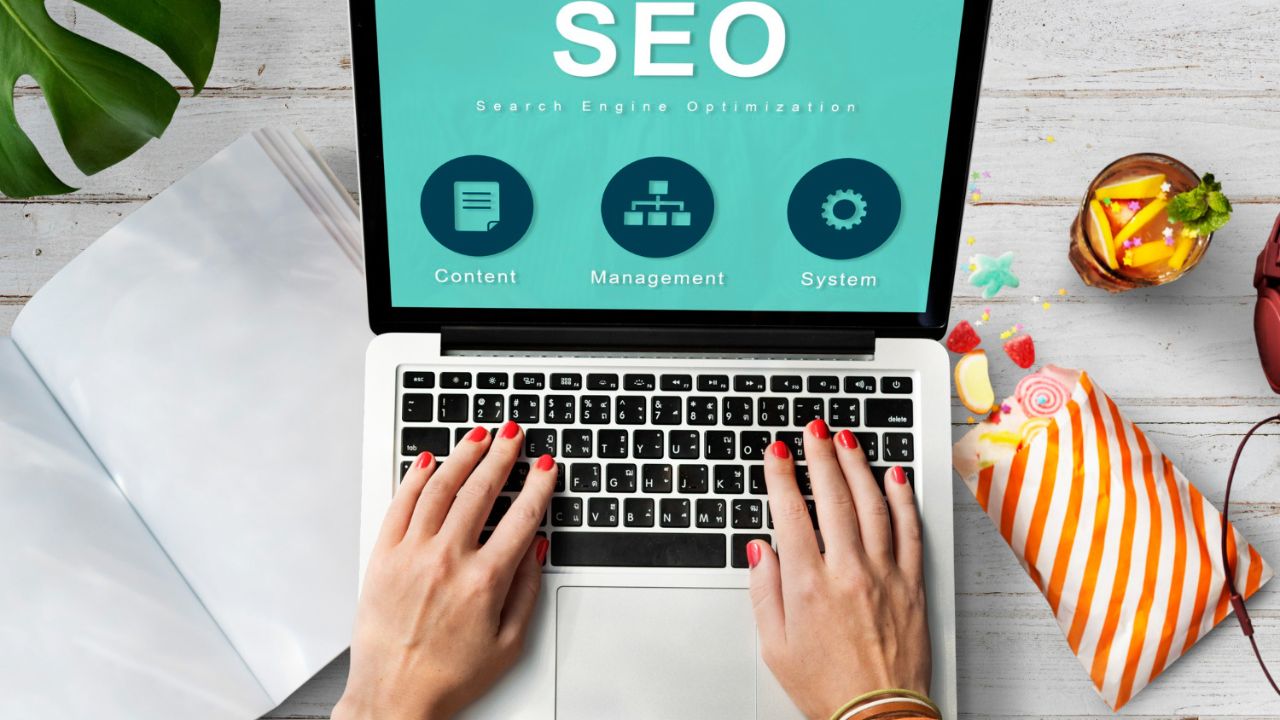
What is on-page SEO? On-page SEO (also called on-site SEO) is the practice of optimizing individual web pages so they rank higher in search engine results and earn more organic traffic. Unlike off-page SEO which relies on backlinks and external signals on-page SEO is entirely within your control. Every title tag, heading, image, and internal link is an opportunity to communicate relevance to both search engines and real users.
This guide walks you through every critical element, step by step.
Everything in on-page SEO begins with keywords research. If you optimize for the wrong terms, even perfect execution will fail to bring meaningful traffic.
Primary keyword: Every page should target one main keyword the single phrase that best captures what your page is about. Use tools like Google Keyword Planner, Ahrefs, or Semrush to find terms with decent search volume and achievable competition levels. A beginner’s blog will struggle to rank for “SEO tips” but can realistically compete for “on-page SEO checklist for beginners.”
Search intent is everything. Google doesn’t just match keywords it matches intent. Are users looking for information (informational intent), trying to buy something (transactional), navigating to a specific site, or comparing options (commercial investigation)? Match your content format to that intent. A listicle works for “how to do X.” A detailed comparison works for “X vs Y.”
Secondary keywords and LSI terms are related phrases that naturally belong in the conversation around your topic. If your primary keyword is “on-page SEO checklist,” secondary keywords might include “meta description tips,” “title tag optimization,” and “internal linking strategy.” These expand your topical coverage without keyword stuffing.
The title tag is arguably the single most important on-page SEO element. It appears in the browser tab, in search results as the blue clickable headline, and when pages are shared on social media.
Best practices:
A weak title: SEO Tips A strong title: On-Page SEO Checklist for Beginners (28 Items to Check)
Meta descriptions don’t directly affect rankings, but they dramatically affect click-through rate (CTR) and CTR influences how much traffic your rankings actually deliver.
Write meta descriptions that are 150–160 characters long, include your primary keyword naturally, and give users a clear reason to click. Think of it as a tiny advertisement for the page. Ask: “Why should someone click this result over the others?”
Avoid using the same description across multiple pages. Google may auto-generate snippets from your page content when the meta description doesn’t match the search query well so writing unique, specific descriptions remains valuable.
A clean URL tells both users and search engines what the page is about before they even click.
Rules for SEO-friendly URLs:
Changing URLs on an established site requires 301 redirects to preserve ranking equity, so get this right early.
Headings create a logical document outline. They help users scan for what they need and help search engines understand the hierarchy and topics covered on your page.
H1: Use exactly one per page. It should closely match or include your primary keyword. Think of it as the title of the article, distinct from the title tag but aligned with it.
H2s: These are your main section headers. Each H2 should introduce a major subtopic. Using secondary keywords in H2s helps expand your page’s semantic relevance.
H3s and beyond: Break long sections into sub-sections. A wall of text under a single H2 is harder to read and harder to scan.
Never skip heading levels for styling purposes don’t jump from H1 to H3. Use CSS to control appearance, not HTML hierarchy.
Google’s Helpful Content system (part of its core algorithm) is designed to reward content that serves users genuinely, not content written primarily to game rankings. This means depth, accuracy, and original value are non-negotiable in 2026.
What makes content truly helpful:
Word count: There is no universal ideal length. Match length to what the topic demands. Comprehensive guides naturally run 2,000–3,000 words. Product pages might be 300 words. Focus on completeness over padding.
Include your primary keyword within the first 100 words of your content this signals relevance early to both readers and crawlers.
Images improve engagement, illustrate concepts, and can rank in Google Images but unoptimized images are one of the most common causes of slow page speed.
Alt text: Every image needs descriptive alt text. This helps visually impaired users using screen readers, and it tells search engines what the image depicts. Include the keyword where it fits naturally don’t force it into every alt tag.
File names: Name images descriptively before uploading. on-page-seo-checklist-diagram.webp is far better than IMG_7724.jpg.
File size and format: Use WebP format where possible. Compress images to under 100 KB for typical blog images. Tools like Squoosh or ShortPixel handle this automatically. Large images are one of the main causes of poor Core Web Vitals scores.
Internal links connect the pages of your website together, passing link equity (“PageRank”) and helping Google discover and understand your content structure.
Best practices:
Internal linking is one of the most underused SEO tactics. A strong internal link structure can significantly boost rankings for pages that have been sitting dormant.
Linking to high-quality external sources (statistics, research papers, authoritative guides) builds trust with readers and signals to Google that you’ve done your homework. It doesn’t “give away” your SEO the old myth that external links hurt rankings is false.
Link to relevant, authoritative sources. Set them to open in a new tab (target=”_blank”) so users don’t leave your page entirely.
Even perfect content fails if the technical foundation is broken.
Mobile-friendliness: Google uses mobile-first indexing, meaning it evaluates your mobile version to determine rankings. Test every page with Google’s Mobile-Friendly Test. No horizontal scrolling, no tiny text, no overlapping elements.
Core Web Vitals: Google’s page experience signals include three metrics:
Check these in Google Search Console or PageSpeed Insights.
Canonical tags: If similar or duplicate content exists across multiple URLs, a canonical tag tells Google which version is the “master.” This prevents duplicate content penalties.
Schema markup: Structured data (JSON-LD format) helps Google understand your content type and can enable rich results in SERPs star ratings, FAQs, How-To steps, article dates. Even basic Article schema is worth adding.
On-page SEO isn’t a one-time task it’s an ongoing discipline. After publishing, monitor your pages in Google Search Console for impressions, clicks, and average position. Revisit pages every 6–12 months to update statistics, improve thin sections, add new internal links, and align with any changes in search intent.
Use the interactive checklist above to audit each new page before publishing. Over time, running through these 28 items will become second nature and your rankings will reflect the consistency.
Pro tip: Don’t try to optimize every element simultaneously on every page. Start with the critical items (keyword intent, title tag, H1, page speed, mobile) and work down the list. Consistent incremental improvement beats sporadic perfection.
On-page SEO refers to optimizing individual web pages to rank higher in search engines and get more relevant traffic. It includes optimizing content, titles, meta descriptions, headings, images, and internal links.
On-page SEO helps beginners improve website visibility, increase organic traffic, and make content easier for search engines like Google to understand and rank.
Key factors include keyword optimization, title tags, meta descriptions, header tags (H1–H6), URL structure, image optimization, internal linking, and mobile-friendliness.
You can use tools like Google Keyword Planner or Ubersuggest to find relevant keywords with high search volume and low competition.
Focus on one primary keyword and 2–5 related keywords (LSI keywords). Avoid keyword stuffing and keep the content natural.

At Digital Market Mantra, we provide expert digital marketing services including SEO, Google Ads, social media, and website development to help businesses grow and succeed online.
© Copyright 2026 By digitalmarketmantra.com